Live TV with a guide
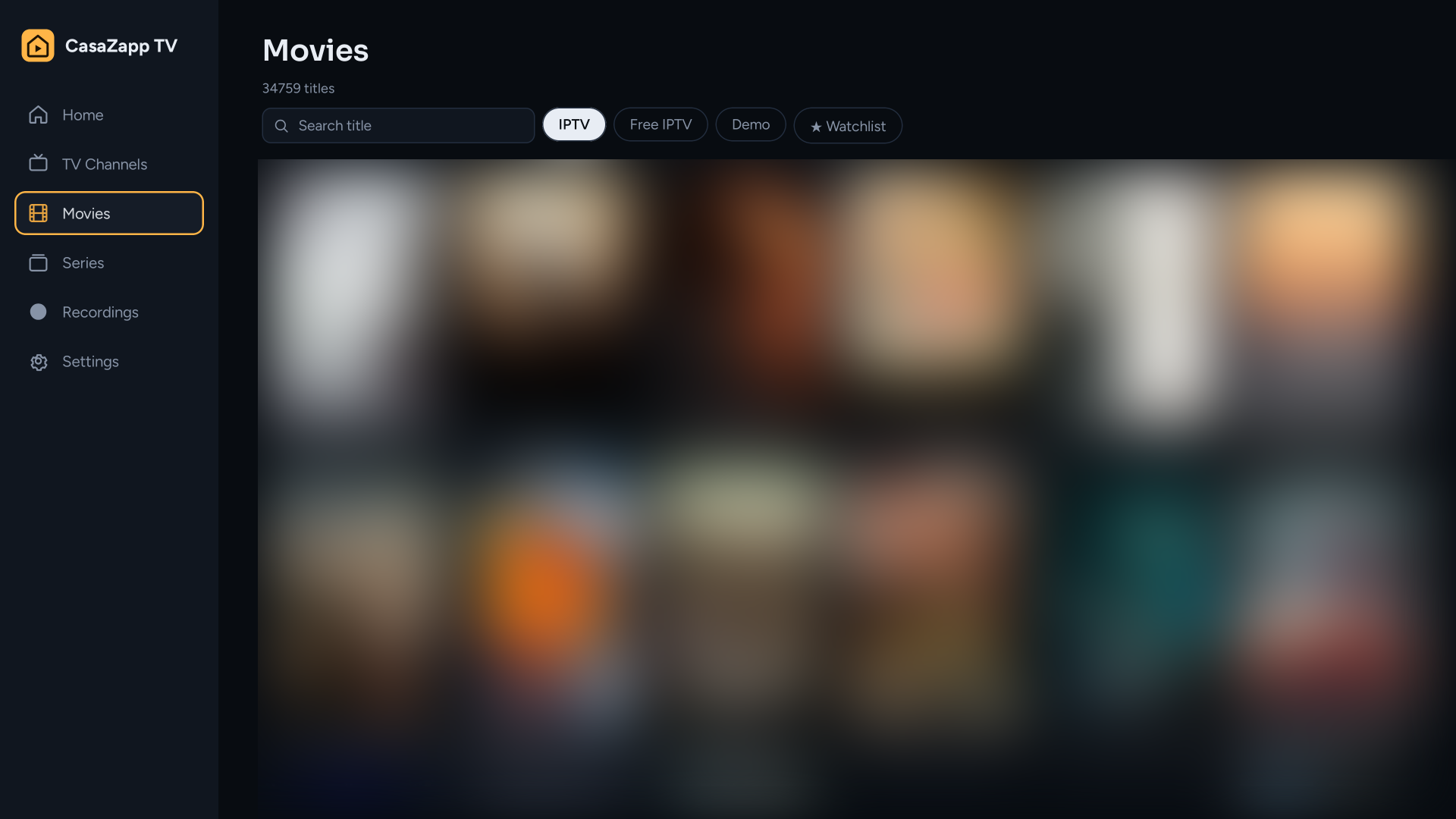
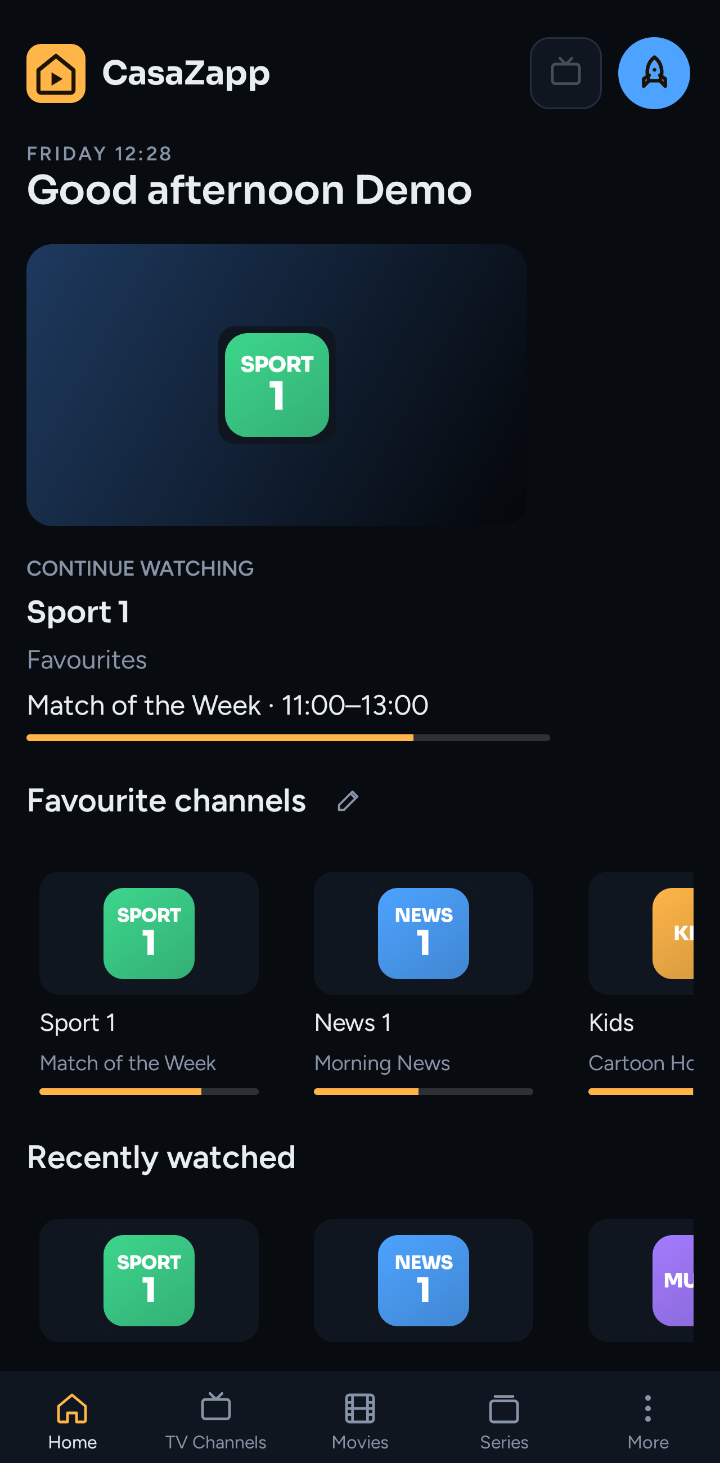
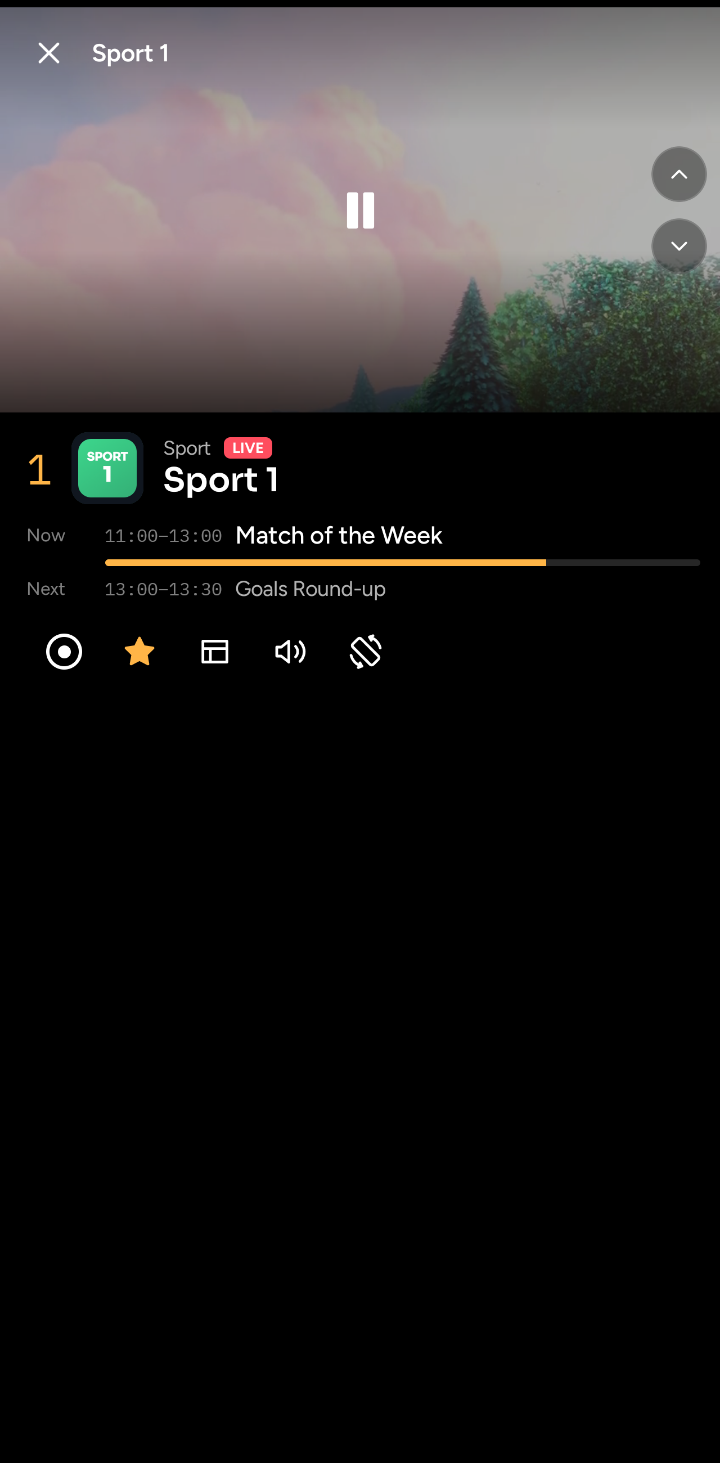
Zap with the remote, see what's on now and next, search channels and programmes across the whole guide.
CasaZapp TV gives you the best set-topbox experience you want. It runs on docker, so your channel lists, favourites, recordings and watch history stay with you in sync across all your devices.
Free without any ads.
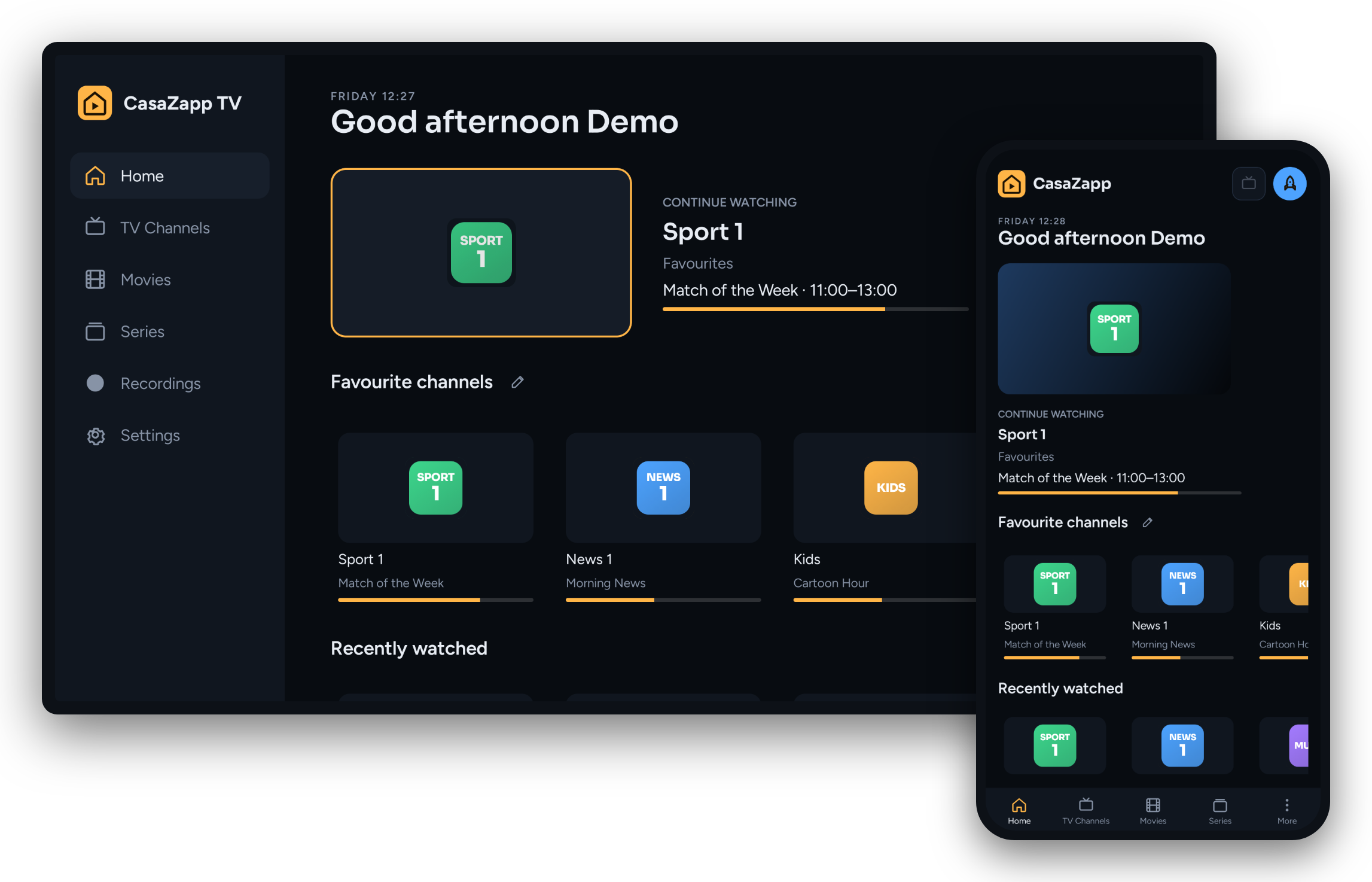
Zap with the remote, see what's on now and next, search channels and programmes across the whole guide.
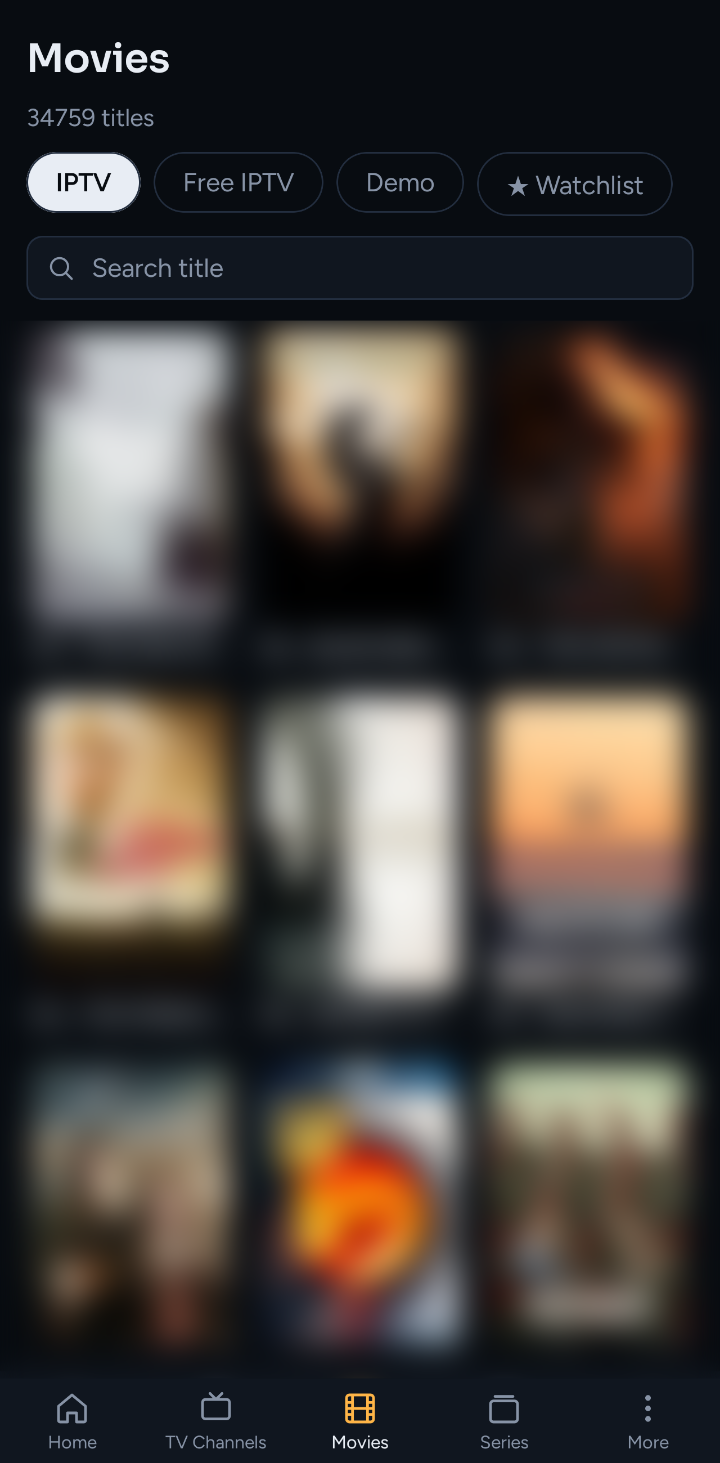
Browse what your provider offers, continue where you stopped on any screen, keep a watchlist.
Pause live TV and pick it up later. Record a programme from the guide, or a set time; it plays back without a provider connection.
Everyone at home gets their own favourites, lists, history and watchlist, with a PIN if you like and limits for the kids.
Your provider allows a number of streams. CasaZapp TV counts them, asks before taking one over, and shows who's watching what.
The Android app can also run standalone, with a playlist on the device. Handy on the road.
The same look and the same buttons on the TV, the phone, the tablet and the web.
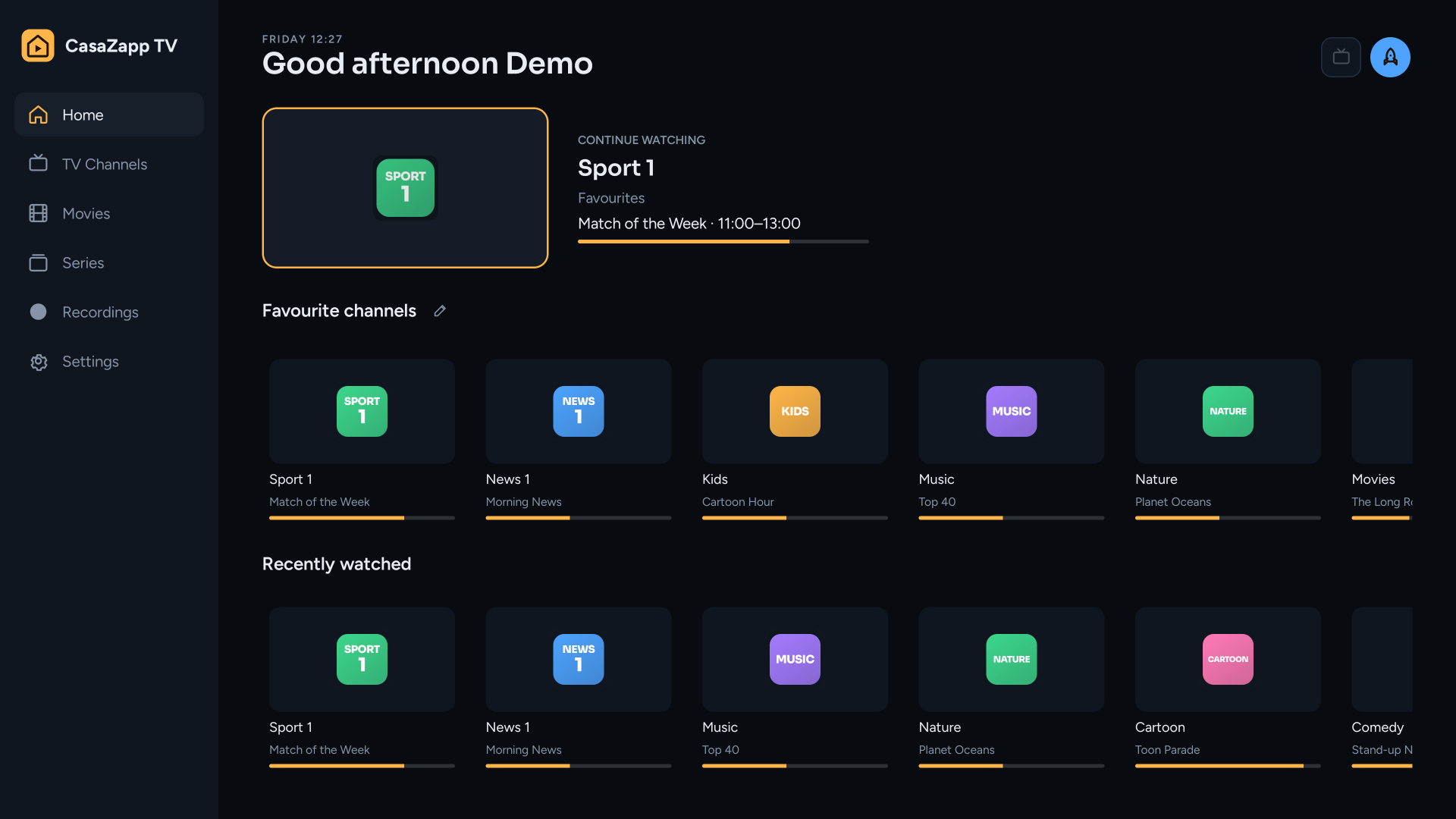
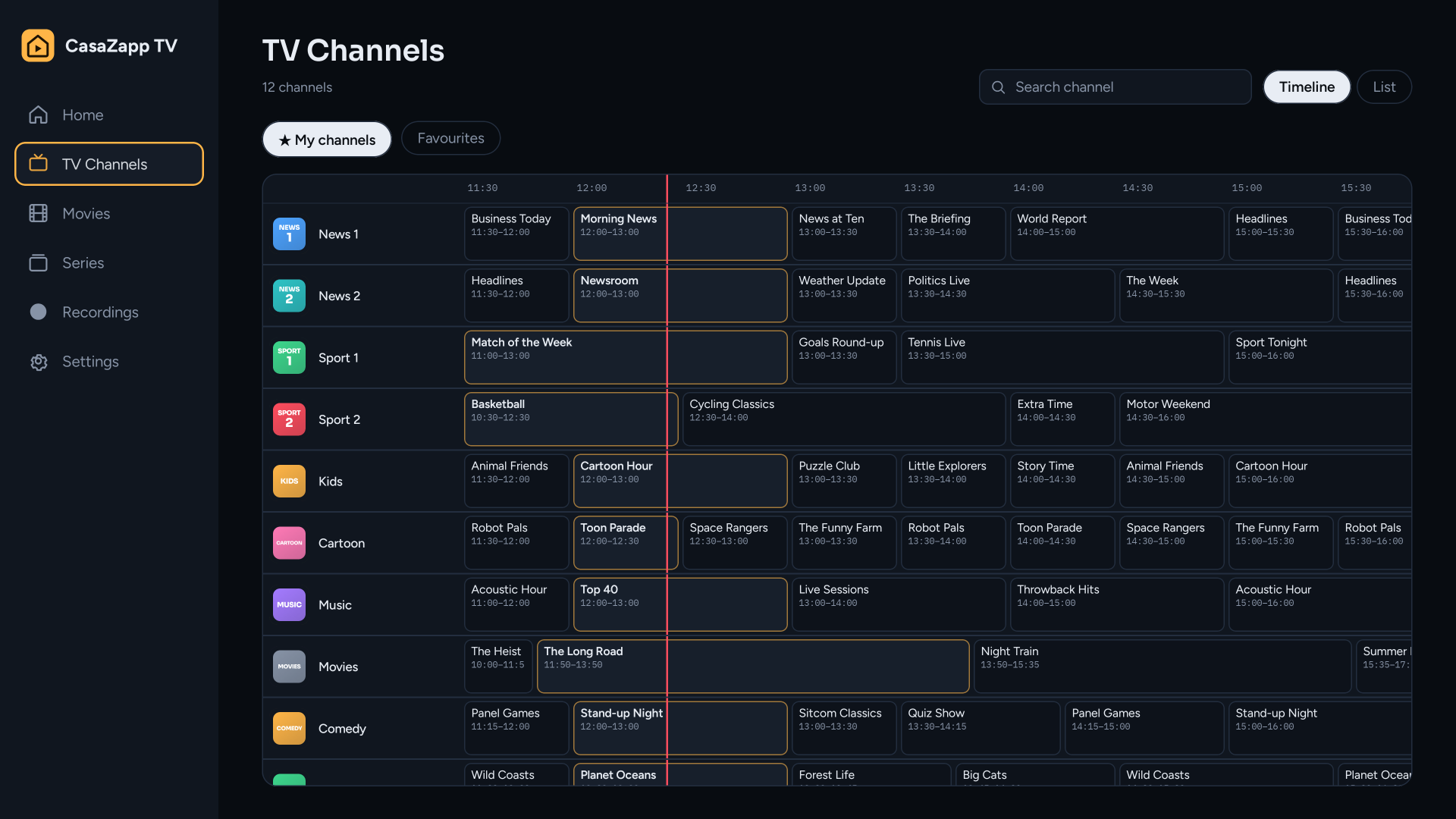
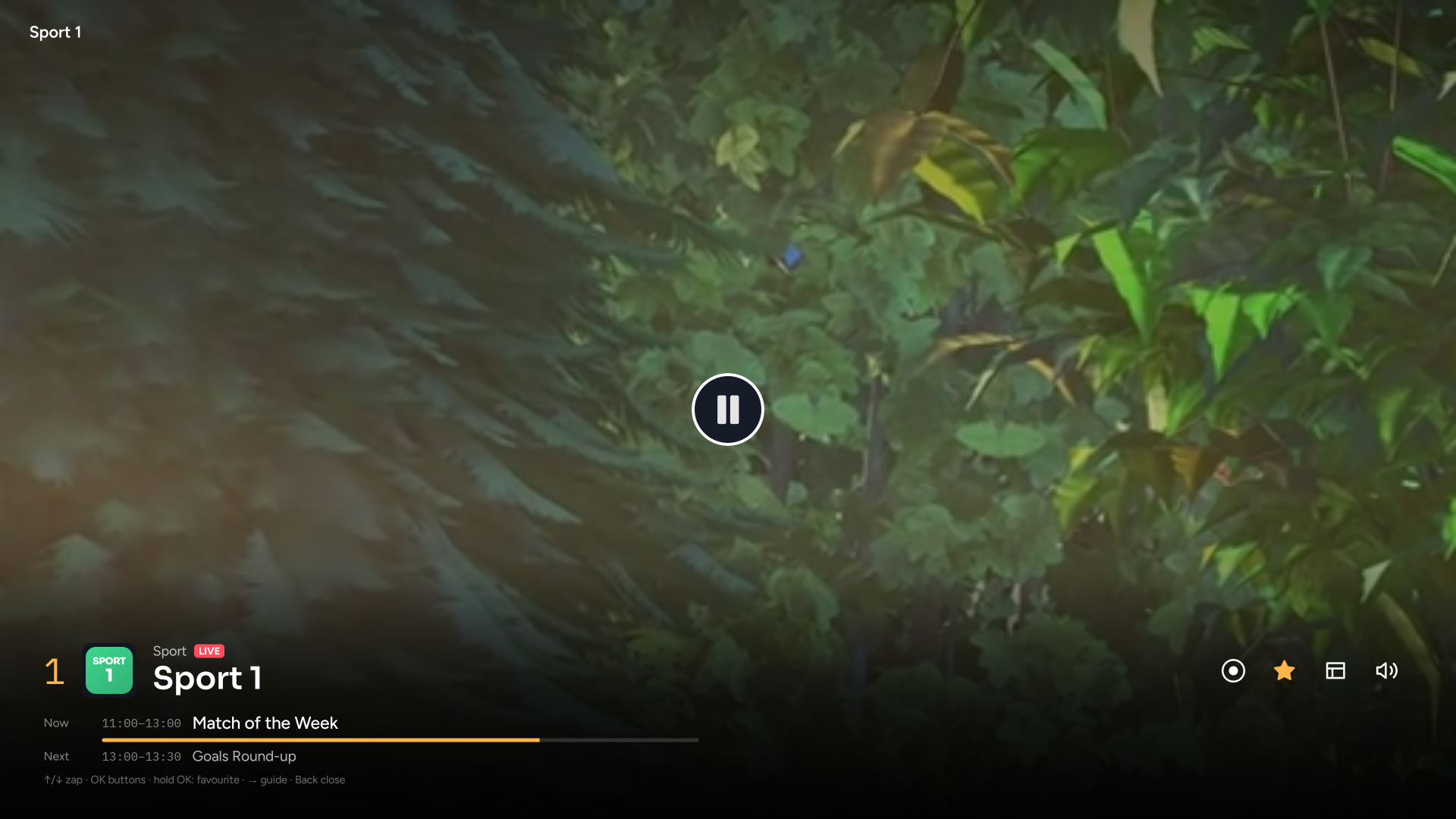
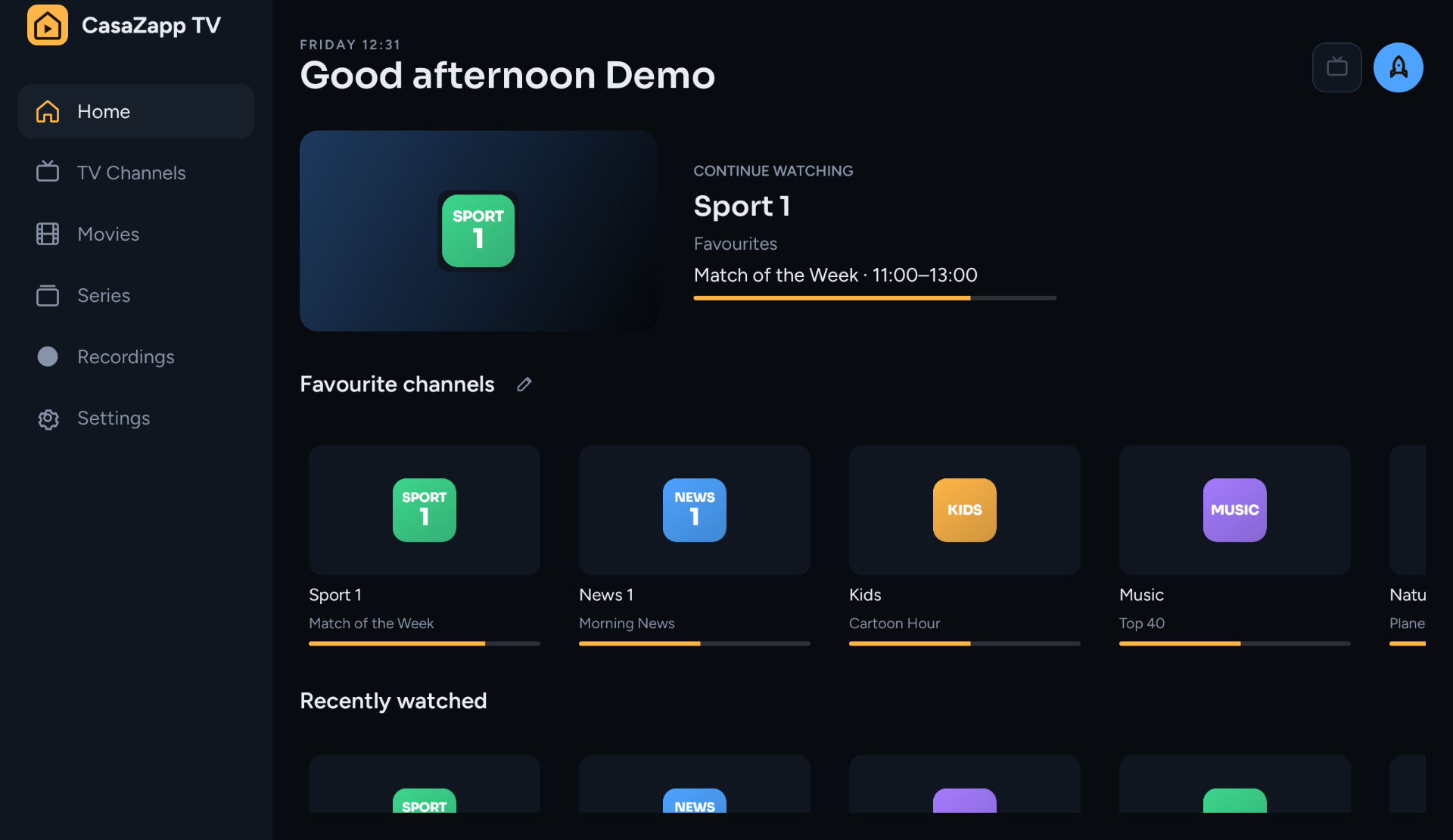
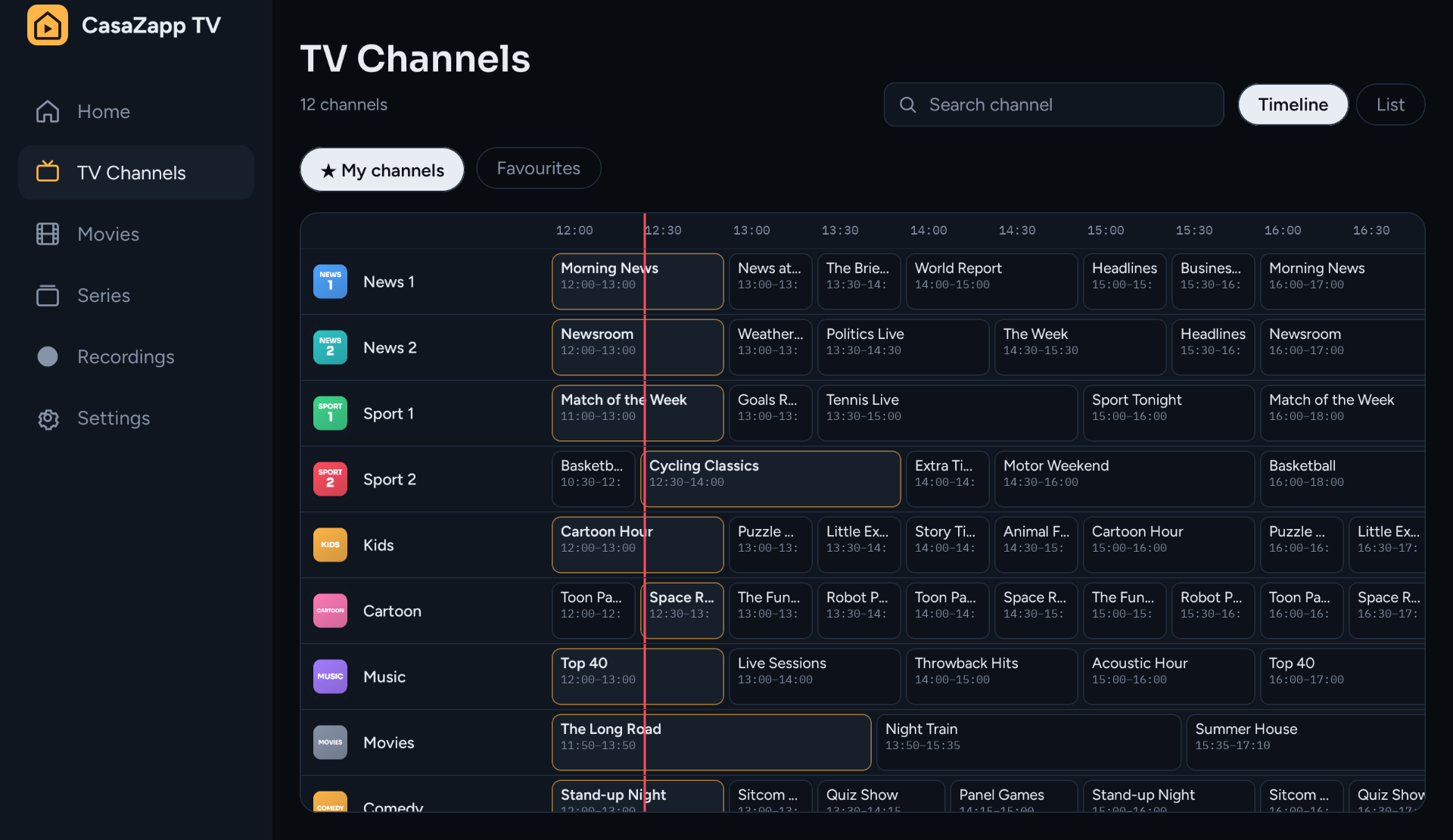
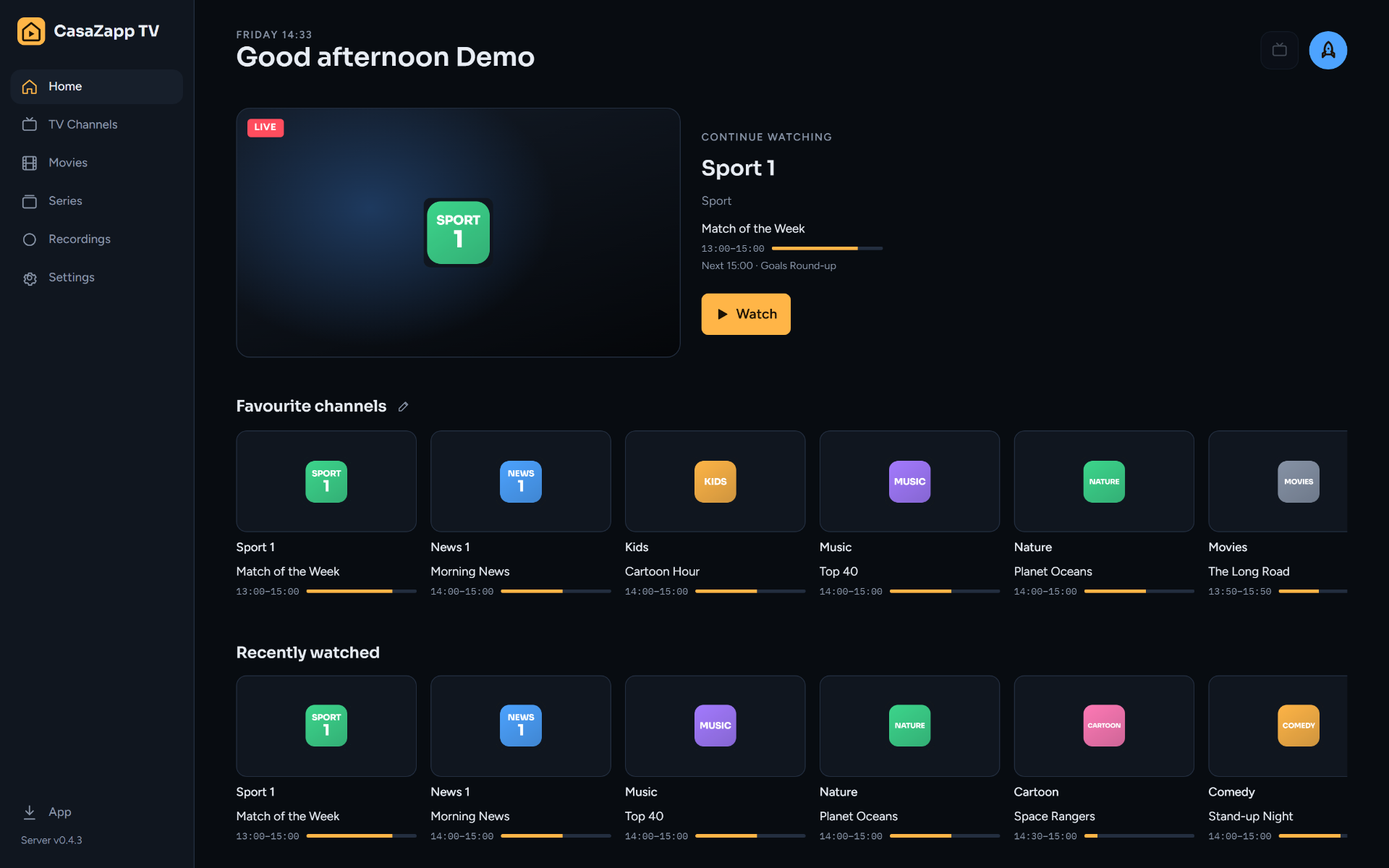
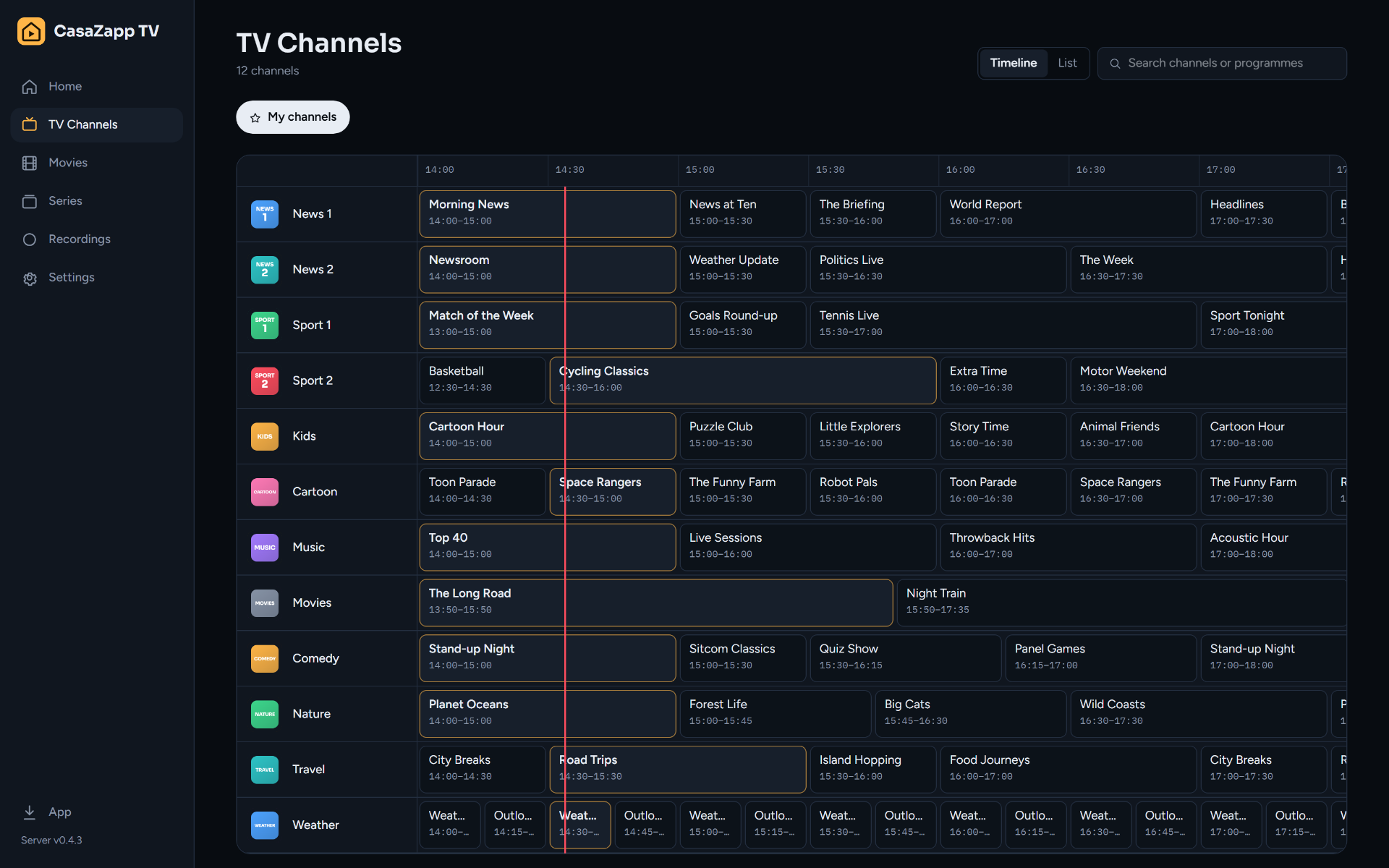
One Docker container on a NAS, a small Linux box or a Raspberry Pi. It keeps your playlists, fetches the guide and records.
Sign in from a browser and add your Xtream or M3U playlist. Pick the channels and categories you want.
Install the app on your Google TV or Android phone and pair it with a code. Or just use the web app.
The Android app also works on its own, with a playlist on the device. A server adds the rest.
| App without a server | With a server | |
|---|---|---|
| Live TV, films and series | ✓ | ✓ |
| Guide | Xtream only | Xtream and M3U |
| Favourites | This device only | On all your screens |
| Continue watching and watchlist | This device only | On all your screens |
| Own channel lists | – | ✓ |
| Choose, order and fix channels and logos | – | ✓ |
| Search the whole guide | – | ✓ |
| Pause live TV and record | – | ✓ |
| Profiles with a PIN and limits | – | ✓ |
| Keeps track of your provider's connections | – | ✓ |
| See and stop what's playing on other screens | – | ✓ |
| Provider login kept in one place | On every device | On your server |
| Web app in the browser | – | ✓ |
The server is a single docker-compose.yml. Just make sure you have enough space available for recordings.
# CasaZapp TV server. See docs/server.md for what each line does.
services:
  casazapp-tv:
    image: ghcr.io/quadnl/casazapp-tv:latest
    container_name: casazapp-tv
    ports:
      - "8080:8080"
    environment:
      TZ: Europe/Amsterdam
      RECORDINGS_DIR: /recordings
      CACHE_DIR: /cache
      # Behind a reverse proxy (Nginx Proxy Manager, Caddy, Traefik):
      # TRUST_PROXY: "true"
    volumes:
      - ./data:/data
      - ./recordings:/recordings
      - ./cache:/cache
    restart: unless-stopped
No. CasaZapp TV is a player. You add a playlist from a provider you pay for, or from a legal free source.
Yes. Add the demo playlist from this repository (demo/playlist.m3u) — made-up channels with a test video and a guide.
Google TV, Chromecast with Google TV, Android TV boxes, and Android phones and tablets. Everything else uses the web app in the browser.
By default the server passes the stream on, which works everywhere. The app can also play straight from the provider, so the stream skips your server.
No. The app and the server are free to use at home; the source code is not public.